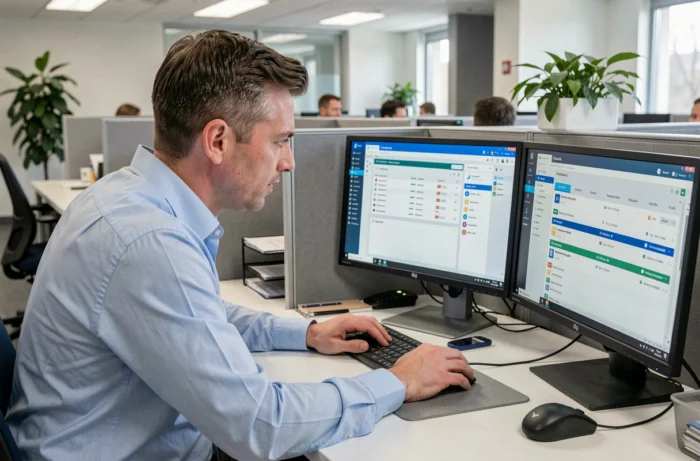
Medisys HR & Families Portal and MedisysNet refer to two access points to the Medisys ecosystem, but their functional scope, target audience, and technical architecture diverge on specific points. Here, we detail the distinctions that truly guide the choice of an establishment or home care service.
Technical architecture of the Medisys portal: browser access and absence of a native application
The HR & Families Portal, hosted on v2.medisysnet.fr, operates exclusively via a browser. Medisys does not distribute any dedicated mobile application on the App Store or Google Play for this portal. Access on smartphones is through Chrome, Safari, or Firefox, with the option to create a shortcut on the home screen.
This constraint has direct consequences on daily usage. No native push notifications are available, and offline mode is limited to what the browser caches. For an employee working in a home setting or a family consulting the intervention schedule, responsiveness depends entirely on the quality of the connection and the behavior of the browser used.
The V2 interface (version 2.5.9 according to the official login page) is responsive, meaning it adapts to mobile screens. We observe that this approach reduces maintenance costs for Medisys (a single codebase), but it shifts the ergonomic burden onto the end user, who must manage their own shortcuts and browsing habits. A detailed comparison of the services offered by Nouvelle Jeunesse helps to better situate these differences in a real usage context.
Medisys HR Portal vs MedisysNet: functional scope and user profiles
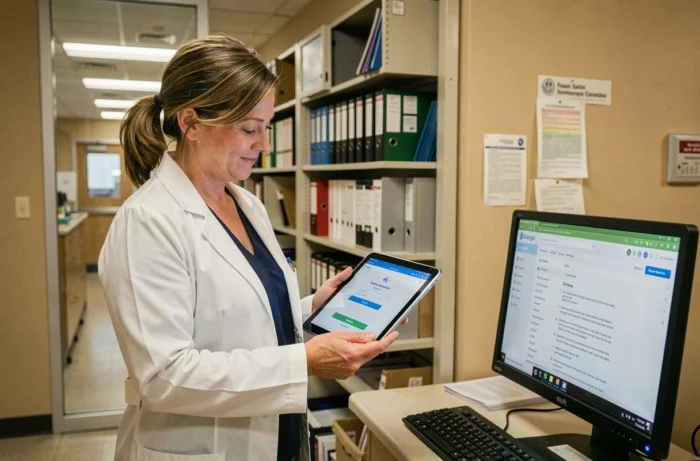
The most common confusion is treating Medisys Portal and MedisysNet as two distinct products. In reality, MedisysNet is the generic name for the web platform, while the HR & Families Portal constitutes the user-facing component (employee, family, beneficiary).
What the HR and Families Portal covers
The portal is aimed at employees in the medico-social sector and the families of beneficiaries. Its scope focuses on consultation:
- Real-time updated intervention schedules, with visualization of the slots assigned to each caregiver
- Pay slips and administrative documents (intervention sheets, certificates) accessible from the personal space
- GED (electronic document management) documents integrated by the structure’s administrator
The portal does not allow for configuring interventions or managing billing. These functions fall under the Medisys back office (Reception and Planning software installed at the client).
What the administrative layer of MedisysNet covers
The administrative space of MedisysNet offers a higher level of access, reserved for managers and management referents. It is from this space that account settings, distribution of identifiers to employees and families, and integration of documentation into the GED are carried out.
The choice between the two is not about “product”, but about access profile. The same establishment uses both layers simultaneously: the administrative space for management, the portal to disseminate information to field teams and families.
Data security and hosting in France
The data transmitted through MedisysNet is hosted on servers located in France. The platform uses an encryption system to protect personal and medical information. For a structure in the medico-social sector, this point determines regulatory compliance.
Authentication relies on a classic username/password pair, without native two-factor authentication at this stage. Structures wishing to enhance security must rely on their own policies (password complexity, periodic renewal, user awareness).
The login page of the V2 portal displays real-time service status for three components: mobile telemanagement, fixed telemanagement, and HR & Families portal. This transparency regarding availability allows administrators to quickly diagnose an incident without contacting support.
Medisys training and team autonomy
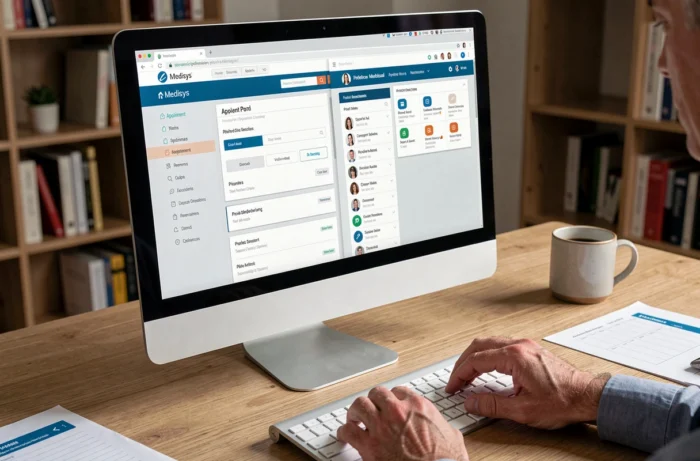
Medisys offers a certified F34 training, lasting one day, aimed at end users of MedisysNet. It covers configuration, use of the administrative, client, and employee spaces, and distribution of identifiers.
We recommend not underestimating this step. The training alternates theoretical inputs and practical exercises, directly on the software installed at the client. Prerequisites include knowledge of the service’s working methods and general IT skills.
The training also covers the integration of GED documents into MedisysNet, which conditions the documentary richness subsequently accessible to employees and families via the portal. A structure that rushes this step ends up with a functional portal but devoid of useful content.
Criteria for choosing between connection to portal V1 and V2
The V2 login page still offers a link to the old version of the portal (v1.telegestion.fr). This coexistence raises questions for structures in transition.
- V2 offers a responsive interface and a service status dashboard, absent in V1
- V1 remains accessible for structures whose migration is not finalized or whose user habits have not yet transitioned
- Both versions share the same Medisys database, preventing any loss of information when switching from one to the other
The migration to V2 is not optional in the long term. Structures still on V1 should plan the switch by training their teams on the new interface before support for the old version is reduced.
Ultimately, the choice between Medisys Portal and MedisysNet is not a choice at all: they are two facets of the same tool, calibrated for different profiles. The time spent on F34 training and the initial configuration of the GED directly determines the value that each user profile will derive from the platform.