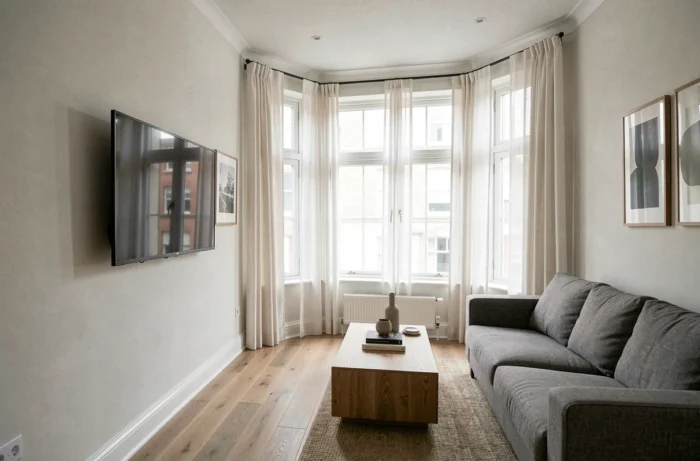
A screen positioned opposite a window presents more than just a direct glare problem. A light source behind or beside the TV affects the contrast perceived by the eye, even when there is no visible reflection on the screen. Two factors come into play: specular reflection (the image of the window on the screen) and ambient luminance, which reduces the depth of blacks. Addressing one without the other only solves half the problem.
Ambient luminance and perceived contrast: the factor guides overlook
Placing the TV with its back to a large window eliminates mirror-like reflections, but creates a very bright area around the screen. The eye adjusts its pupil to this high brightness, making the image look duller, especially in dark scenes. The result is similar to using a projector with the curtains open: blacks turn gray.
For a truly comfortable setup, the brightness around the screen should not exceed that of the displayed image. In practice, an opaque wall behind the TV is still the best option. If the room requires placing it near a window, managing side and rear light takes priority—not just dealing with reflections directly in front of the screen.
We recommend checking the location before mounting the TV on the wall using the mirror test: from your usual spot on the sofa, hold a mirror against the wall where you plan to place the screen. If a window appears in the reflection, it will also appear on the screen. Sometimes, shifting the TV by just a few dozen centimeters is enough to position the TV in relation to the windows without placing the light source directly in your line of sight.
TV placement angle in relation to the living room windows
Positioning the TV perpendicular to the window (on an adjacent wall, with the viewer’s back to the opposite wall) is the arrangement that produces the fewest reflections. Natural light then comes in from the side and hits neither the front nor the back of the screen.
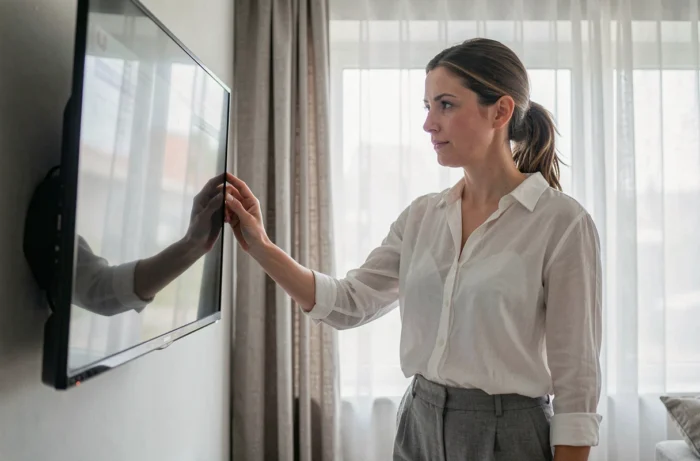
When the room layout doesn’t allow this, placing the TV diagonally in a corner offers a good compromise. The screen then sits at an angle of about 45 degrees to the window, directing specular reflections out of the viewer’s field of vision. This setup works particularly well in open-plan living rooms where the sofa isn’t pushed up against a wall.
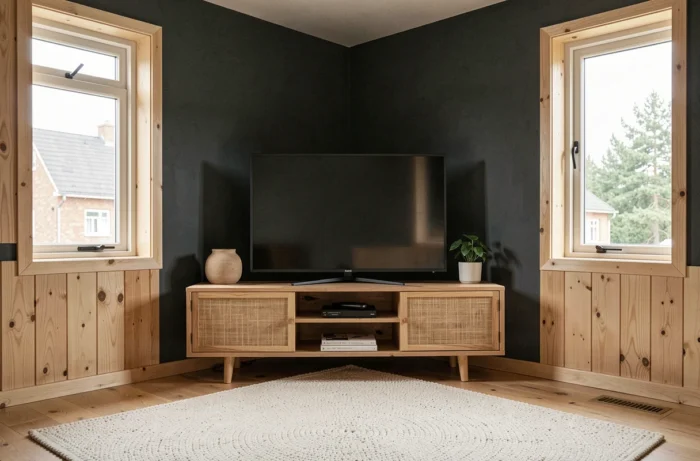
A common challenge is a room with two windows on adjacent walls. The only position that limits both light sources at once is the corner opposite the angle formed by the windows. The viewer then faces a solid wall, with light coming from the sides.
For a south-facing picture window
A south-facing picture window receives direct sunlight for most of the day. No placement alone will be enough. A screen blind (a technical weave that filters light without blocking it out) fitted over the window reduces incoming brightness while preserving the outdoor view, unlike blackout curtains, which plunge the room into darkness.
A screen blind reduces specular reflections by lowering the intensity of the light source, without creating a cave-like effect that prompts you to turn up the screen brightness (and the associated eye strain).
Screen finish and reflections: matte vs. glossy TV screens
The idea that a matte screen is always better at reducing reflections needs some qualification. Comparative tests by RTINGS show that a matte screen spreads reflections over a larger area of the image rather than concentrating them in one specific spot. Blacks become slightly lighter across the entire screen. A glossy screen, by contrast, can produce a localized reflection while preserving the depth of blacks elsewhere.
The right choice depends on the room’s lighting:
- Diffuse light (overcast skies, a north-facing window, sheer curtains): a matte screen provides consistent viewing comfort without localized glare.
- Direct, localized light (low sun shining through an unshaded window): a glossy screen with a good anti-reflective coating can direct the reflection out of your line of sight if the angle is calculated correctly.
- Multiple light sources (ceiling spotlights, table lamps, windows on several walls): a matte screen is more forgiving because it avoids overlapping mirror-like reflections.
Checking measurements for the specific model before buying is more reliable than relying solely on the “matte” or “glossy” label in the specifications.
Swivel mount and accent lighting: adjustments that improve viewing comfort
A swivel wall mount lets you adjust the screen angle depending on the time of day and season. In winter, the low sun reaches deep into the room; in summer, it stays higher and is less intrusive. Turning the screen by a few degrees moves reflections out of your field of vision without having to rearrange the furniture.
Articulating mounts from specialist brands (Vogel’s, Erard, Sanus) offer enough rotation to accommodate these seasonal adjustments. A model with vertical tilt provides extra flexibility for reducing reflections from recessed ceiling spotlights.
Bias lighting behind the screen
Placing a light strip (bias lighting) behind the TV reduces the luminance difference between the screen and the wall. The eye adapts less abruptly, blacks appear deeper, and eye strain decreases during extended viewing sessions. This setup does not eliminate reflections, but it addresses the issue of perceived contrast caused by surroundings that are too dark or too bright around the screen.
Cheap LED strips with a strong blue or yellow tint distort color perception and undermine the intended benefit. A neutral-color-temperature light strip is preferable to avoid tinting the image.
The ideal TV position in a living room depends as much on managing ambient light as on the angle relative to the windows. The mirror test before installation, a screen blind on exposed windows, and a swivel mount address the vast majority of problematic setups without sacrificing natural light or the room’s decor.